


About the work
A screen saver for Android TVs that knows your day: its scenes change with the prayer times in your city, show the Hijri and Gregorian calendar, the weather, the matches and family photos, and a calm alert appears over any channel when the adhan is near. It also comes as a screen saver for Windows.
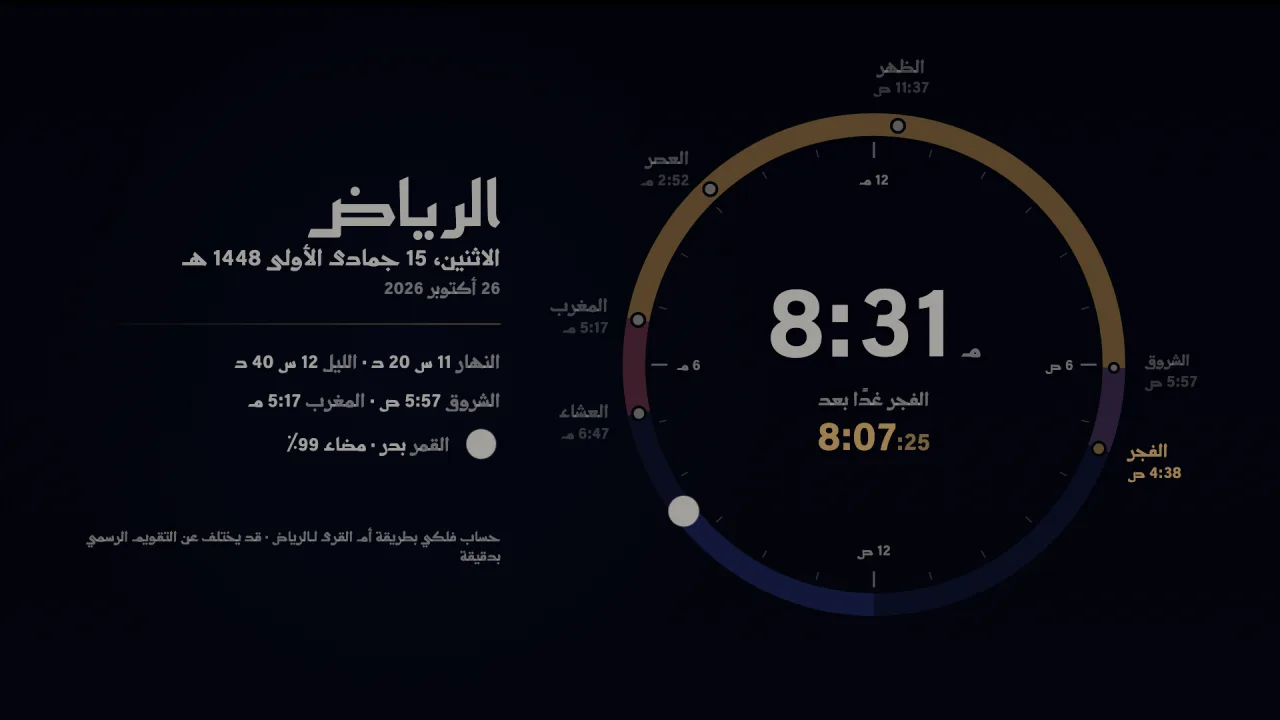
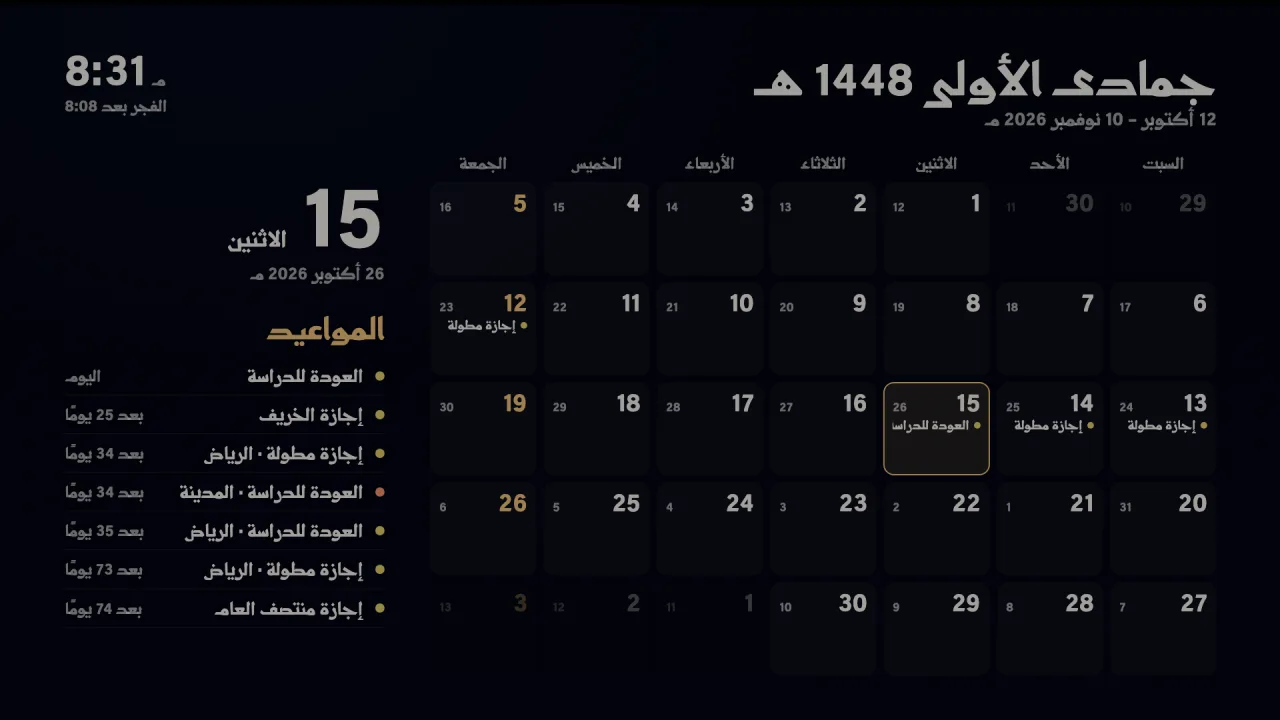
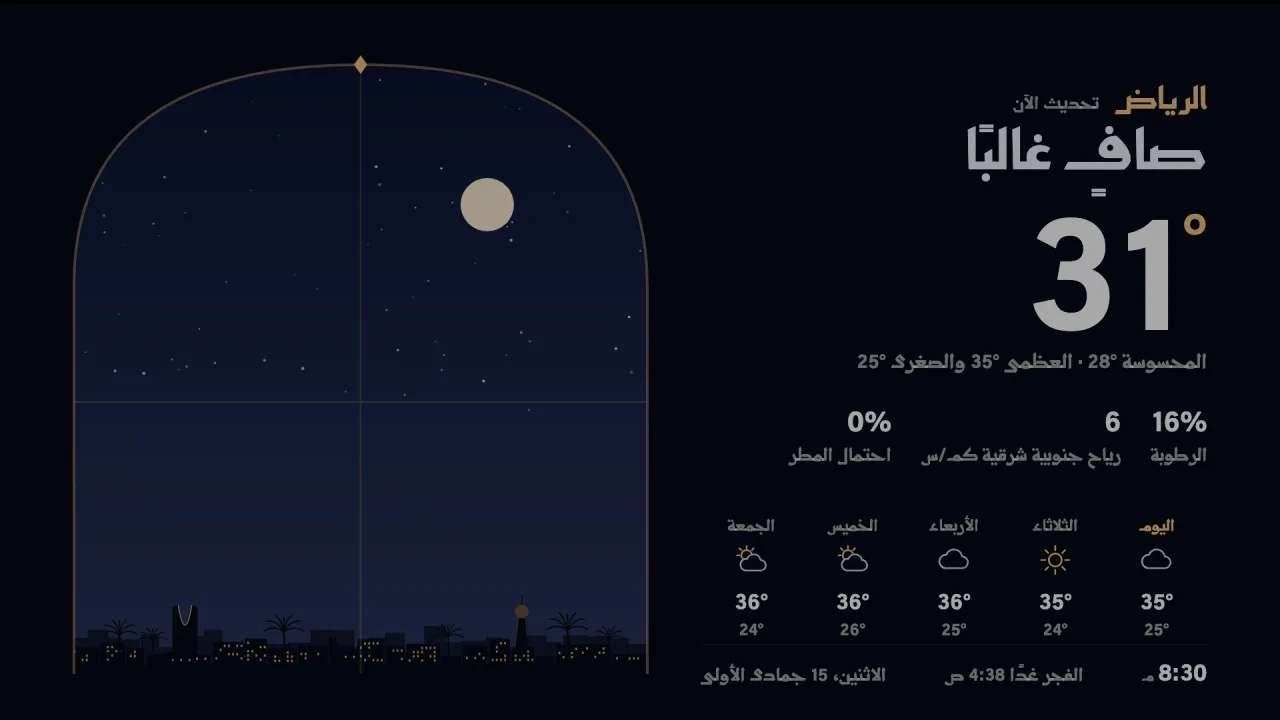
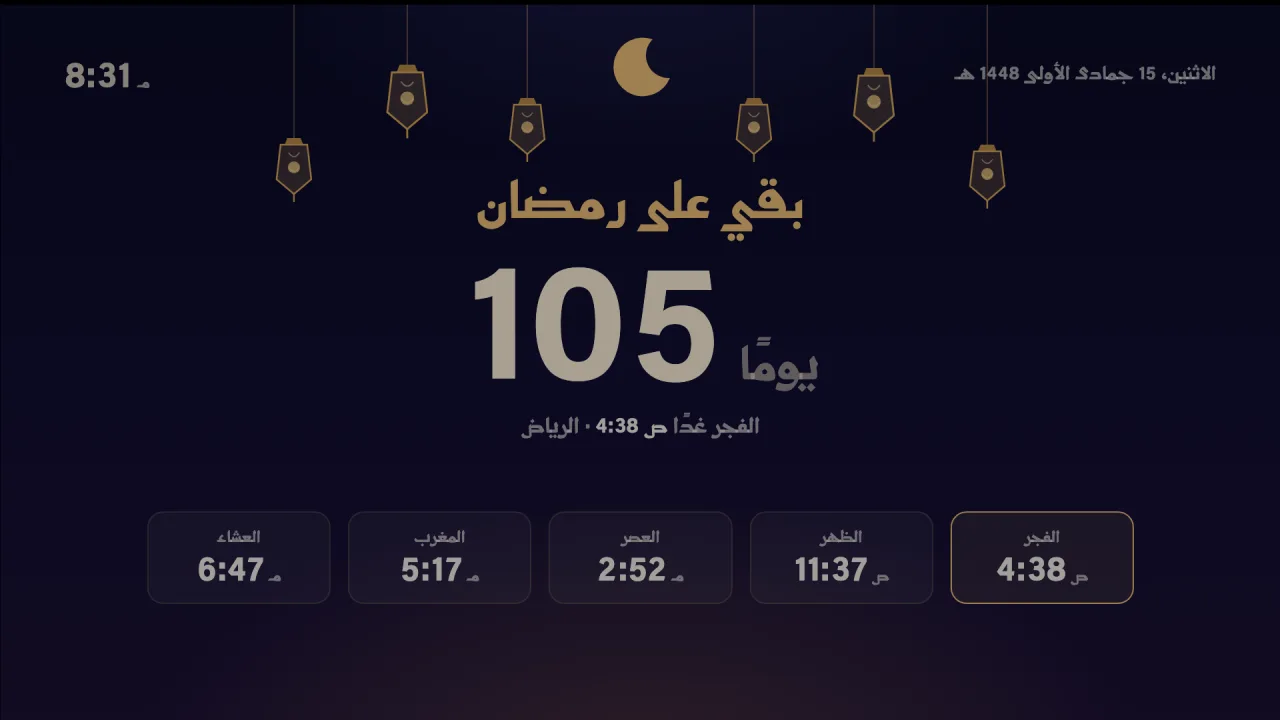
- Scenes for your day: the city panel and prayer times, the day dial, the Hijri and Gregorian calendar, the weather, the verse of the day, Ramadan, and the quiet night.
- A 24-hour ring: each part of the day has its scenes, and the parts move with the prayer times without you setting them.
- The stadium: your team's matches and the league table, and "On air" when matches overlap.
- A home album, notes and appointments you write from your phone over a link on your home network, with no app and no account.
- A calm alert over any channel before the adhan, and a viewing timer with a PIN; both are off until you turn them on.
- Prayer times by the Umm al-Qura calendar, calculated on the device itself. No ads, no accounts, no tracking.
Download and install
Sakan is not sold in a store: you download it as a file (APK) from its releases page, and it then updates itself from inside. It runs on Android 7 or later (Android TV and Google TV). The current version is 3.2.3.
- Install the Downloader app from Google Play on the TV.
- Open it and type labina.app/sakan/apk in the address box. Sakan downloads on the TV itself and an Install button appears. If the TV asks to allow installs from unknown sources, allow Downloader only.
- In the TV settings: Device Preferences → Screen saver → choose "Sakan", and set when it starts.
- Some TVs hide the screen saver page or block apps installed outside their store; see the steps on the support page.
If the TV has no Google Play: download the file on your phone or computer from the same address, copy it to a USB stick, and open it from a file manager on the TV.
A Windows 10 and 11 version (a screen saver with the same interface) is sent by email on request. support@labina.app
It works offline, and connects in three places only, sending nothing about you: Open-Meteo for weather, ESPN for matches, and its GitHub releases page for updates.
Sakan documents
The Sakan room wall
Everyone who enters this room lays a brick in its wall. We do not know who you are or where you came from; we only count the bricks.